Microsoft 365 for productivity, collaboration, and licensing done right
Microsoft 365 brings your organization’s daily work onto one cloud platform — documents, email, meetings, files, devices and the security underneath them. Econix plans, licenses, deploys and supports it as a Microsoft Cloud Solution Provider, managing the licensing lifecycle end to end for organizations across Canada and the United States.
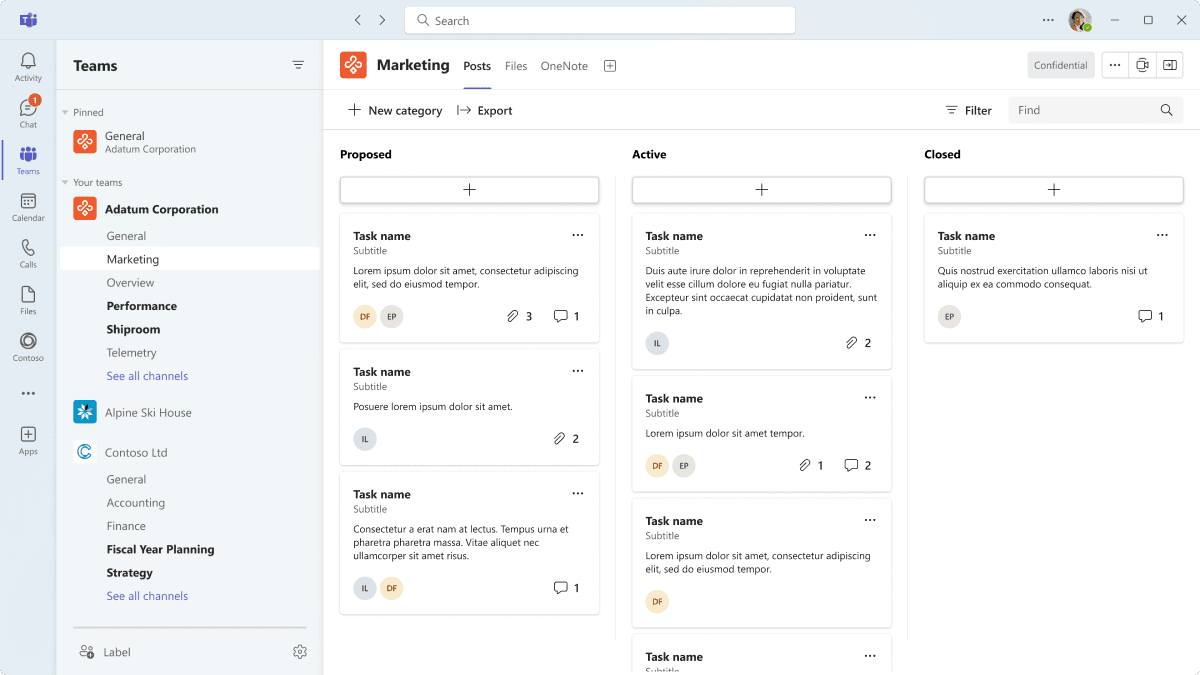
What Microsoft 365 Does for an Organization
Five things the platform delivers — each shown with the product doing the work, and Econix’s role in making it real.
Create
Documents, spreadsheets and presentations
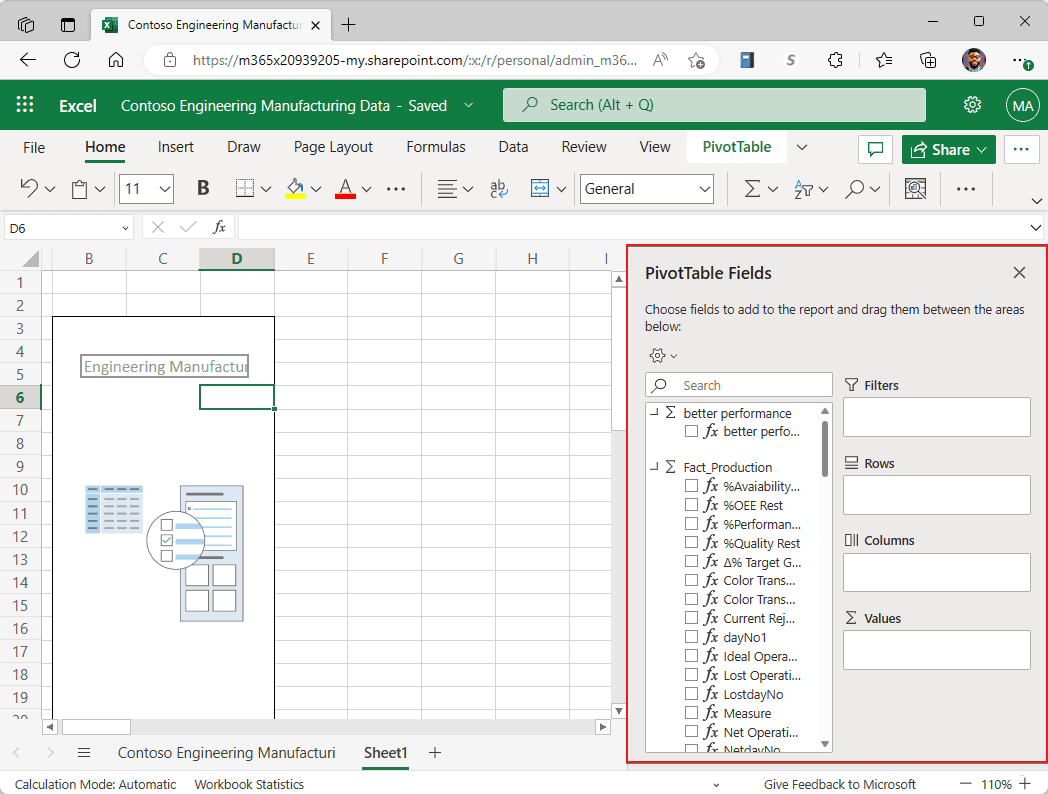
Business scenario — how the work flows
A finance team preparing the monthly report
- Co-author the same Excel workbook and Word document in real time
- OneDrive autosave keeps version history and controlled sharing
- Excel analysis connects into Power BI reporting
The report is built once — not merged from emailed attachments the night before it is due.
Econix makes the flow real — Econix licenses the right plan mix and configures OneDrive storage, sharing and versioning.
Communicate
Meetings, calling and chat
Business scenario — how the work flows
A team split across two offices and home
- Meetings, calling and chat run in one Teams hub
- A channel keeps conversations together with their files
- Teams Phone adds calling as an add-on where needed
One experience everywhere — no lost threads across separate chat tools.
Econix makes the flow real — Econix plans the Teams rollout with a structure that prevents sprawl.
Collaborate
Files, intranet and shared work
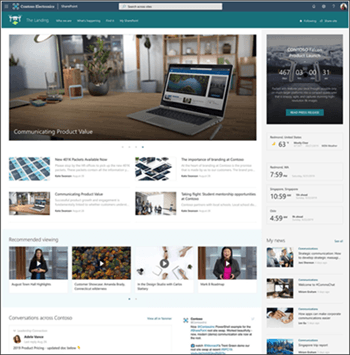
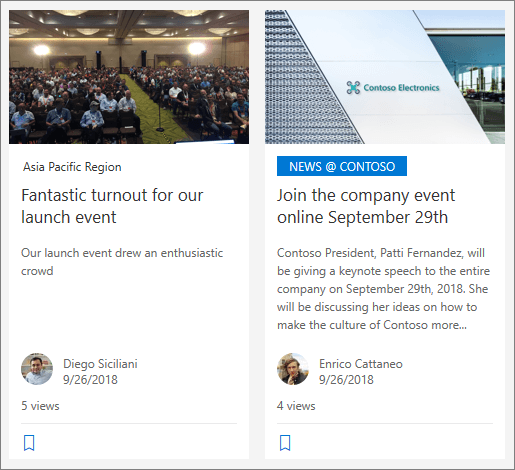
Business scenario — how the work flows
An organization retiring its aging file server
- Each department gets a SharePoint site with versioning and permissions
- A home site carries company news across the organization
- OneDrive gives file access from any device
Files are findable and governed from any device — the file server is retired.
Econix makes the flow real — Econix migrates file shares and designs the site and permission structure.
Protect
Identity, devices and data
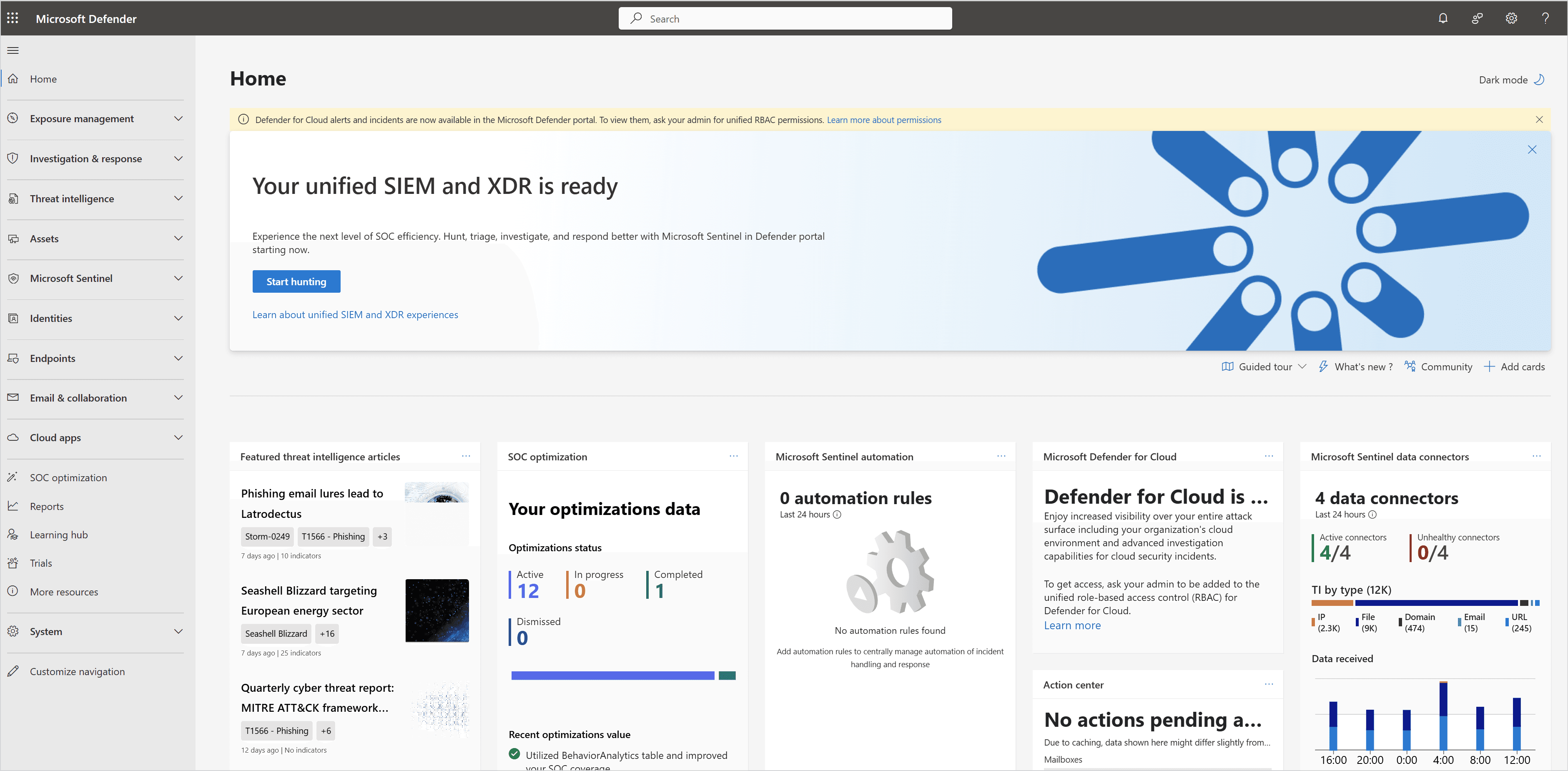
Business scenario — how the work flows
An employee whose laptop goes missing
- Entra ID single sign-on and MFA gate every access request
- Conditional access and Defender evaluate the risk by plan
- Intune revokes access and removes company data from the device
Company data is protected — without touching the employee’s personal files.
Econix makes the flow real — Econix enables the protections your plans already include, prioritized by risk.
Work with AI
Copilot across your daily work
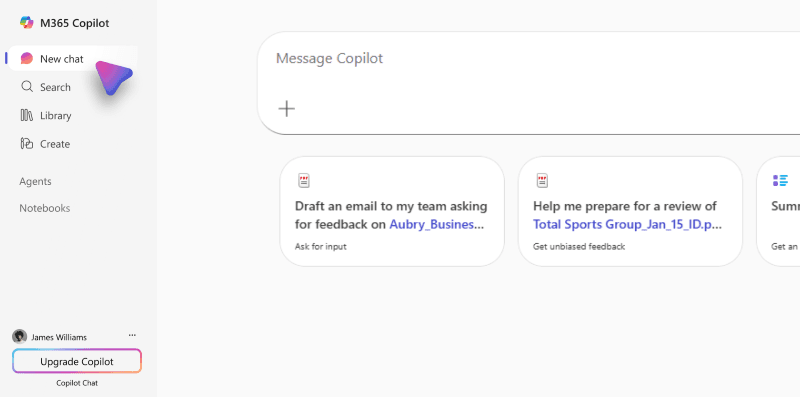
Business scenario — how the work flows
A manager preparing for a customer meeting
- Copilot summarizes the email thread, documents and last meeting’s notes
- Answers stay permission-aware — only what the user can already access
- Copilot Chat is grounded in the organization’s work content
Minutes of preparation instead of an hour — a separately licensed add-on.
Econix makes the flow real — Econix prepares the permission hygiene, governance and licensing groundwork Copilot depends on. See our Microsoft Copilot page.
One Subscription, a Connected Family of Apps
This map shows where each product fits. Included apps and services vary by plan; add-ons and separately licensed products are marked.
Productivity
Create and edit documents, spreadsheets, decks, email and notes — desktop, web and mobile.
Communication
Meetings, calling and chat, with enterprise email transport underneath.
Content & collaboration
Files, intranet, co-authoring and video in a shared, governed workspace.
Work management
Plan, track and capture work — tasks, forms and bookings across teams.
Identity & endpoint
Who a user is, and the device they work from — the access layer under every app.
Security & compliance
Threat protection and data governance spanning the whole estate.
Copilot & agents
AI assistance across daily work, grounded in what each user can already access.
App tiles use original, neutral Econix marks where Microsoft does not publish a redistributable product icon.
How Work Moves Through Microsoft 365
One connected flow of work across Microsoft 365
The Protection You Already Own
Most organizations own more protection than they use. Econix enables the layers your plans include — identity through governance — prioritized by risk.
Identity and access for every user and app — the front door.
→ Establishes who the request is
Device enrolment, compliance and endpoint management.
→ Establishes what device it comes from
Threat protection across email, endpoints and identities.
→ Watches the traffic those users and devices generate
Data governance, classification, compliance and auditing.
→ Governs the data they touch
Lifecycle, retention and records management — the foundation.
→ Keeps and disposes of records over time
One connected stack — identity through governance
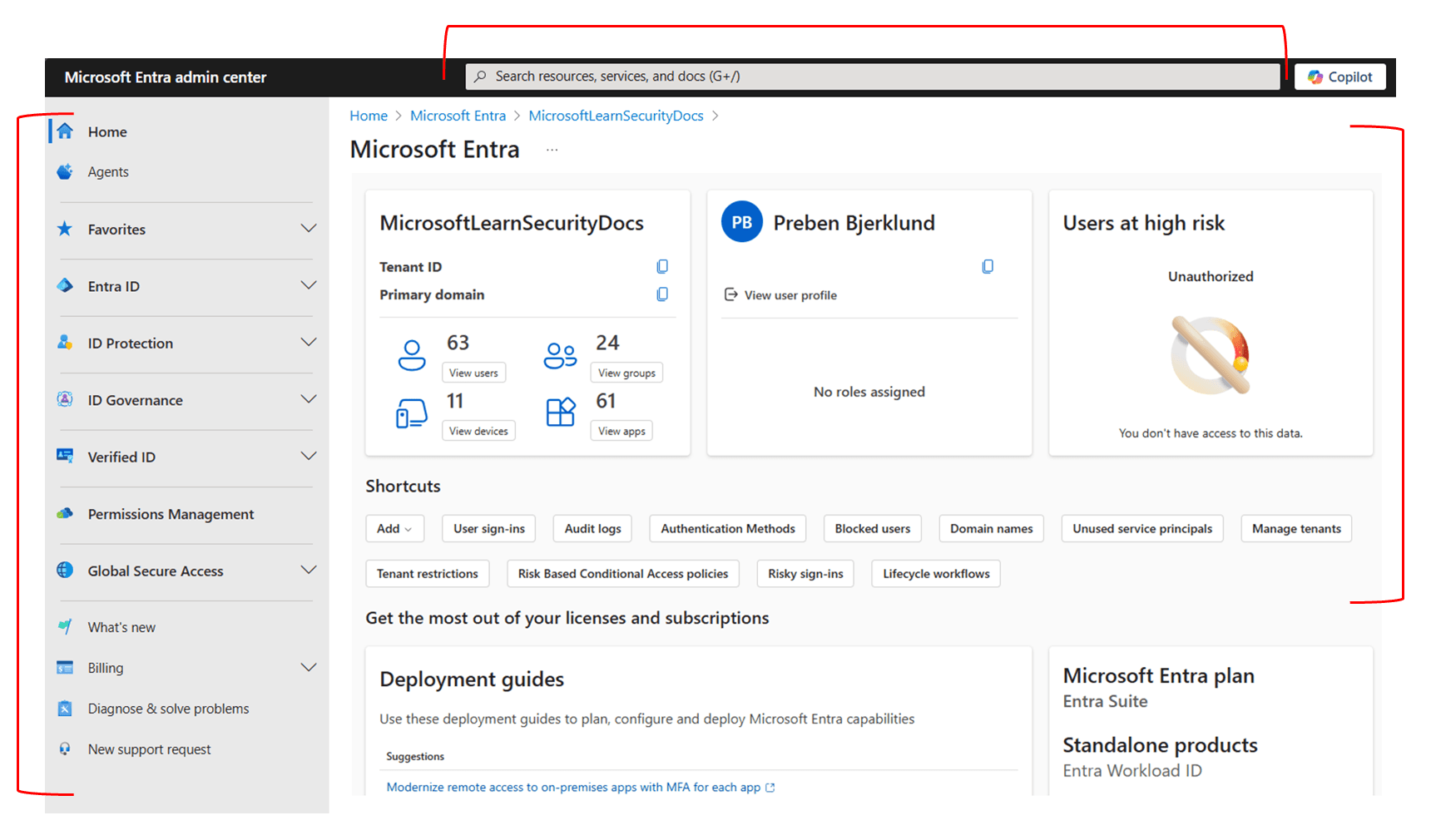
Which Microsoft 365 Path Fits You?
Plan choice follows roles, security needs and eligibility — not a price list. Commitment and term options vary by plan and Microsoft program rules.
Public-sector administration routes across these families — commercial, enterprise, frontline or education licensing, depends on eligibility, procurement requirements, data-residency needs and current Microsoft program availability.
Requirements assessment required — final fit confirmed with Econix
Econix is a Microsoft Cloud Solution Provider and manages Microsoft licensing as an ongoing operational service, not a one-time transaction:
Requirements assessment
Understanding roles, workloads and security needs before recommending any plan.
Licence inventory review
A structured review of your current licensing position based on customer-provided records and reports.
Right-sizing recommendations
Matching each user population to the most economical plan that meets its requirements.
Subscription selection and fulfilment
Choosing the right plans and provisioning new subscriptions.
Additions, reductions and plan changes
Adjusting seat counts and moving users between plans as roles and requirements evolve.
Renewals and co-terming
Managing renewal dates and aligning subscription end dates so agreements stay manageable.
Reconciliation
Keeping what you are billed for aligned with what you intend to hold.
Ongoing subscription administration
A single accountable point of contact for the licensing lifecycle, with monthly, annual and multi-year term options where eligible and currently available under Microsoft programs.
Most organizations need a mix — Enterprise or Business plans for office roles, Frontline plans for field and floor roles, and specific add-ons only where they earn their cost. Econix’s right-sizing work is about matching each role to the plan that fits it.
Microsoft Project and Microsoft Visio are available through the same subscription portfolio and can be supplied, right-sized and administered alongside your Microsoft 365 plans — as can Dynamics 365, Azure, Power Platform, Power BI, Microsoft Security and Copilot offerings.
How Econix Delivers Microsoft 365
Licensing is the start, not the finish. Econix runs the full path from assessment to ongoing support — turning subscriptions into a configured, secured and adopted working environment.
- AssessRoles, workloads, current state
- LicenceRight-sized plan mix
- ConfigureTenant, identity, policies
- MigrateEmail and files to the cloud
- SecureEnable included protections
- AdoptTraining and real usage
- SupportOngoing administration
Why Econix
Econix is a Microsoft Cloud Solution Provider and Microsoft Solutions Partner — Security, operating in Canada since 2018 with a senior team carrying 20+ years of Microsoft delivery experience. Econix’s public-sector licensing experience includes Microsoft 365 licence supply and fulfilment for a Canadian municipality through a structured public-sector purchasing process.
Microsoft 365 FAQ
Yes. Econix performs licence inventory reviews based on records and reports you provide — subscription summaries, billing statements and licence assignment exports — and identifies right-sizing opportunities, plan mismatches and capability gaps. Econix does not require access to your tenant to perform this review.
Business plans serve small and mid-sized organizations up to Microsoft’s seat limit for those plans and cover core productivity, security and device management at strong value. Enterprise plans remove the seat cap and add deeper security, compliance, telephony and analytics capabilities. Organizations near the boundary benefit from a structured comparison against their requirements — which is what a requirements assessment provides.
Rarely. Office-based, field and frontline roles have different needs, and Microsoft prices plan families accordingly. A mixed assignment — Enterprise or Business plans for some roles, Frontline plans for others, add-ons only where justified — is usually the right answer, and right-sizing it is one of the fastest ways to bring licensing spend under control.
Yes. Econix supplies Microsoft 365 licensing to Canadian public-sector organizations, including experience with formal procurement processes. Canadian public-sector organizations generally use applicable commercial, enterprise, frontline or education licensing, selected around eligibility, procurement requirements, data-residency needs and current Microsoft program availability. See our Government & Public Sector page for the broader picture.
Get more from the platform you already pay for.
Talk to Econix about Microsoft 365 licensing, deployment, and support.