Upgrade Dynamics NAV to Business Central
Dynamics NAV (Navision) was Business Central's predecessor. Depending on your NAV version, you may have a technical upgrade path — or you may need a reimplementation. Here's how to determine which.
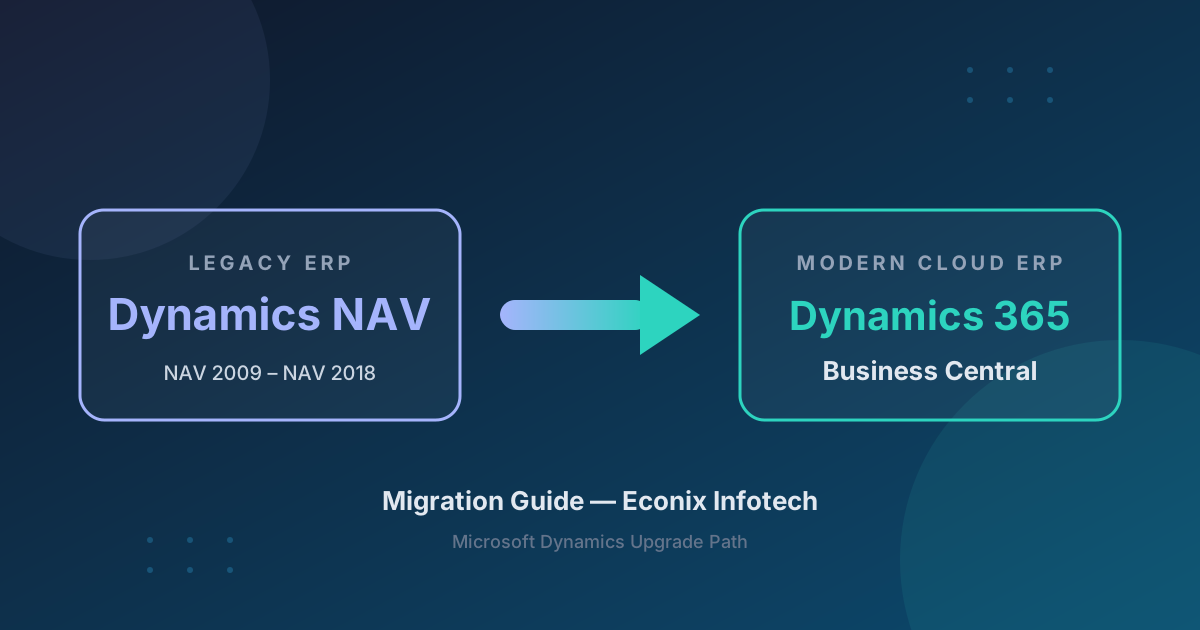
Your NAV Version Determines Your Path
NAV 2018 and later can follow a technical upgrade — converting C/AL to AL and upgrading the database. Older versions, and heavily customized environments of any version, need a reimplementation with data migration. Choosing the wrong path is the most expensive mistake in NAV upgrades.
Technical Upgrade vs Reimplementation
Technical upgrade path available — convert C/AL to AL, upgrade database.
Possible but complex technical upgrade.
Reimplementation recommended.
Reimplementation often safer regardless of version.
What Migrates vs What Needs Reconfiguration
Business Central shares NAV's data model, so master data and open transactions map well. C/AL code and legacy integrations must move to the modern extension model.
| Category | ✓ Migrates Cleanly | ⚠ Needs Reconfiguration |
|---|---|---|
| Master Data | Customers, vendors, items, chart of accounts, GL dimensions | Security roles, approval workflows, user preferences |
| Transactions | Open AR/AP, open POs/SOs, GL balances | Closed/historical transactions (selective) |
| Customizations | None automatically — conversion or rebuild required | C/AL code → AL extensions |
| Integrations | None — all must be rebuilt | Legacy web services, custom connectors → Power Automate / APIs |
| Reports | Some RDLC reports convert | Classic reports, custom layouts → BC reports + Power BI |
| ISV Add-ons | None | Replace with AppSource equivalents or rebuild as AL extensions |
Migration Timeline
A structured NAV-to-BC upgrade typically runs 4-6 months — confirmed after assessment — across seven overlapping phases.
NAV 2009 R2 to Cloud Business Central — Done
See how Econix migrated White Oaks Resort & Spa from NAV 2009 R2 to cloud Business Central — a full reimplementation of one of Canada's premier hospitality operations.
Read the White Oaks Case StudyBefore and After
Before — Dynamics NAV
- ✗ On-premises
- ✗ C/AL customizations
- ✗ NAV-specific reports
- ✗ No Copilot
- ✗ Limited mobile
- ✗ Aging infrastructure
After — Business Central
- ✓ Cloud-native
- ✓ AL extensions
- ✓ Power BI
- ✓ Copilot AI
- ✓ Full mobile
- ✓ Automatic updates
Econix Tip — Audit Your C/AL Before Choosing a Path
The technical upgrade path looks cheaper on paper, but converting thousands of lines of heavily modified C/AL can cost more than a clean reimplementation. Audit your customization footprint first — many old customizations are now standard BC features or AppSource apps.
Ready to Plan Your NAV to Business Central Upgrade?
Book a free 30-minute migration assessment with an Econix consultant.
NAV to Business Central FAQ
Can I upgrade NAV directly to Business Central?
If you're on NAV 2018 or later, a technical upgrade path exists — converting C/AL code to AL extensions and upgrading the database. For NAV 2015 and earlier, a reimplementation is recommended.
How long does a NAV to BC upgrade take?
Technical upgrade: typically 4-5 months. Reimplementation: typically 5-7 months. Timelines are confirmed after assessment, and heavy customization adds time regardless of path.
What happens to my NAV customizations?
All C/AL customizations must be converted to AL extensions or replaced with AppSource solutions. Many common NAV Modifier customizations have native BC equivalents.
Is NAV 2009 too old to upgrade?
NAV 2009 requires a full reimplementation, not a technical upgrade. Econix migrated White Oaks Resort & Spa from NAV 2009 R2 to cloud Business Central successfully.
Not sure if your NAV version can be upgraded?
Econix will assess your NAV version, customization footprint, and integrations — and recommend the path that actually fits: technical upgrade or reimplementation.