Upgrade Dynamics AX to Dynamics 365 Finance & Supply Chain
Dynamics AX (2009, 2012) organizations upgrade to Dynamics 365 Finance and Supply Chain Management — Microsoft's enterprise-grade cloud ERP. This is not a mid-market migration. It's an enterprise transformation.
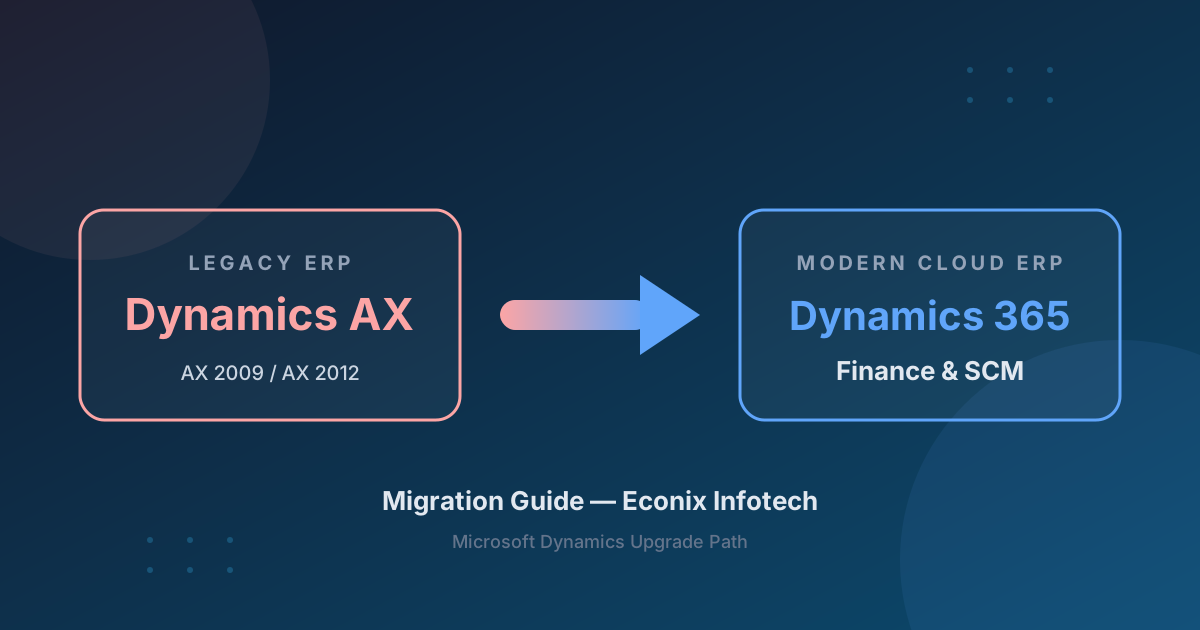
AX to D365 Is an Enterprise Project
Mainstream support for Dynamics AX 2009/2012 ended October 9, 2018 and extended support ended April 12, 2022, so these environments are now unsupported. AX environments are typically complex — multi-entity, multi-currency, heavy customization (X++), deep integrations. Upgrading to D365 Finance/SCM requires enterprise project management, not mid-market migration methodology. Budget and plan accordingly.
AX 2009 vs AX 2012 — Different Paths
Full reimplementation required — no code compatibility with D365.
Partial code upgrade possible (X++ → X++ on D365), data upgrade tools available.
Significant customization review and rebuild required for the cloud architecture.
What Migrates vs What Needs Reconfiguration
AX 2012 R3 benefits from Microsoft's data upgrade tooling. Customizations, AIF integrations, SSRS reports, and workflows are rebuilt for D365's cloud architecture.
| Category | ✓ Migrates Cleanly | ⚠ Needs Reconfiguration |
|---|---|---|
| Master Data | Customers, vendors, items, chart of accounts, financial dimensions | Security roles, workflows, user setup |
| Transactions | Open AR/AP, open orders, GL balances (AX 2012 R3 data upgrade tooling) | Historical transactions (selective, especially from AX 2009) |
| Customizations | Some X++ upgradable from AX 2012 R3 | X++ code → review and rebuild for D365 cloud architecture |
| Integrations | None — all must be rebuilt | AIF services → D365 Data Entities and OData |
| Reports | None — must be rebuilt | SSRS reports → rebuild for D365 reporting framework |
| Workflow | None | Rebuild using D365 workflow engine |
Upgrade Timeline
An enterprise AX-to-D365 upgrade typically runs 8-12 months — confirmed after assessment — across seven overlapping phases.
Before and After
Before — Dynamics AX
- ✗ On-premises
- ✗ X++ customizations
- ✗ AIF integrations
- ✗ Aging infrastructure
- ✗ No Copilot
- ✗ Complex upgrade path
After — D365 Finance/SCM
- ✓ Cloud-native Azure
- ✓ Modern X++ with DevOps
- ✓ OData / REST APIs
- ✓ Copilot AI
- ✓ Power Platform
- ✓ Continuous updates + global compliance
Econix Tip — Inventory Your X++ Before You Estimate
AX upgrade estimates live or die on the X++ code inventory. Run Microsoft's code upgrade estimation tooling against your full model store before committing to a budget — many organizations find a meaningful share of their customizations are now standard D365 features and can be retired instead of rebuilt.
Ready to Plan Your AX to Dynamics 365 Upgrade?
Book a free 30-minute migration assessment with an Econix consultant.
AX to Dynamics 365 FAQ
Can I upgrade AX 2012 to Dynamics 365?
AX 2012 R3 has a supported upgrade path to D365 Finance/SCM, including code upgrade tools and data upgrade tooling. AX 2009 requires a full reimplementation. Both paths typically take 8-12 months for enterprise environments, confirmed after a detailed assessment.
Should AX organizations go to Business Central or D365 Finance?
Almost always D365 Finance and Supply Chain Management. AX was an enterprise platform — Business Central is mid-market. Moving from AX to BC would be a downgrade in capability for most organizations.
How long does an AX to D365 upgrade take?
Typically 8-12 months for enterprise environments, confirmed after assessment. Complex multi-entity, multi-currency, or heavily customized AX environments can take longer.
What happens to my AX X++ customizations?
X++ code is reviewed and rebuilt for D365's cloud architecture. Some customizations may be replaced by standard D365 features or ISV solutions that didn't exist when the AX code was written.
Planning an AX to Dynamics 365 transformation?
Econix brings enterprise Dynamics experience across AX, D365 Finance, and Supply Chain Management. Book a free 30-minute assessment to scope your upgrade realistically.