Upgrade Dynamics GP to Business Central
Microsoft has set Dynamics GP end of support for December 31, 2029 (security updates through April 30, 2031), making Business Central the forward path. Business Central is Microsoft's strategic mid-market ERP — cloud-native, Copilot-enabled, and continuously updated. Here's what the migration actually involves.
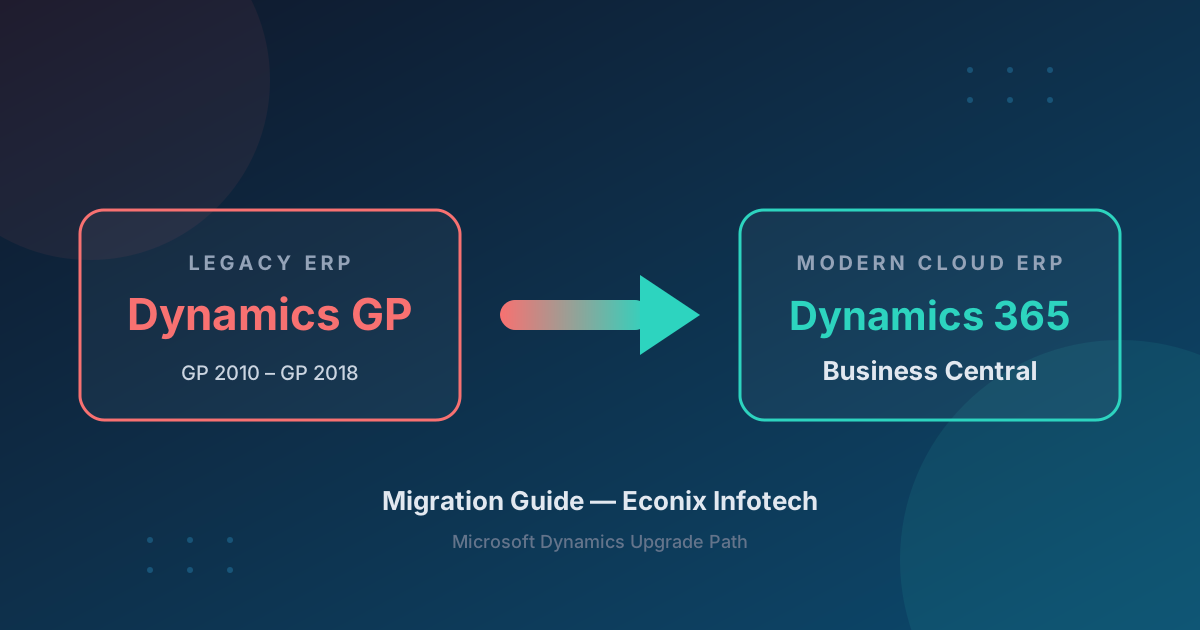
There Is No Upgrade Button
There is no automated upgrade path from Dynamics GP to Business Central. It is a reimplementation with data migration. Partners who position this as a simple upgrade are setting incorrect expectations. Plan for 5-7 months of structured migration work.
Why Migrate Now?
Microsoft has set Dynamics GP end of support for December 31, 2029, with security updates through April 30, 2031 — Business Central is the forward path
No major new functionality planned; the partner ecosystem is gradually shifting to Business Central
No Copilot or AI capabilities
No cloud benefits — stuck on-premises
Growing compliance gaps as regulations evolve
What Migrates vs What Needs Reconfiguration
Master data and open transactions move cleanly with Microsoft's migration tooling. Customizations, integrations, and reports must be rebuilt on Business Central's modern architecture.
| Category | ✓ Migrates Cleanly | ⚠ Needs Reconfiguration |
|---|---|---|
| Master Data | Customers, vendors, items, chart of accounts, GL dimensions | Security roles, approval workflows, user preferences |
| Transactions | Open AR/AP, open POs/SOs, GL balances | Closed/historical transactions (selective) |
| Customizations | None — all must be rebuilt or replaced | Modifier, Report Writer, VBA, Dexterity → AL extensions |
| Integrations | None — all must be rebuilt | Integration Manager, eConnect, SmartConnect → Power Automate / APIs |
| Reports | None — must be rebuilt | SSRS, Crystal Reports, FRx/MR → BC reports + Power BI |
| SmartLists | None | Recreate as BC analysis views or Power BI reports |
Migration Timeline
A structured GP-to-BC migration runs 5-7 months across seven overlapping phases.
Before and After
Before — Dynamics GP
- ✗ On-premises server
- ✗ No mobile access
- ✗ Modifier customizations
- ✗ Report Writer
- ✗ No AI / Copilot
- ✗ Aging partner ecosystem
- ✗ No cloud backup
After — Business Central
- ✓ Cloud-native on Azure
- ✓ Full mobile access
- ✓ AL extensions (supported)
- ✓ Power BI dashboards
- ✓ Copilot AI
- ✓ Growing AppSource ecosystem
- ✓ Automatic backup / DR
Econix Tip — 3 Test Migration Cycles
Always plan for 3 data migration test cycles. Cycle 1 exposes mapping issues. Cycle 2 validates fixes. Cycle 3 is the production rehearsal. Organizations that skip cycles discover data problems on go-live day.
Migration Tools
Microsoft's built-in Data Migration tool
Handles master data and open transactions for the GP-to-BC path.
RapidStart Services
BC configuration package tool with Excel templates for fast, repeatable setup.
Custom migration scripts
Power Automate or Azure Data Factory for complex transformations.
Third-party accelerators
Insight Works, Binary Stream, eOne Solutions for specialized requirements.
Ready to Plan Your GP to Business Central Migration?
Book a free 30-minute migration assessment with an Econix consultant.
GP to Business Central FAQ
Can I upgrade directly from GP to Business Central?
No. There is no automated upgrade path. It is a reimplementation with data migration, typically taking 5-7 months.
How much does a GP to BC migration cost?
Investment depends on user count, modules, customization complexity, data volume, and integration requirements. Microsoft licensing is billed separately on a per-user basis. Contact us for a current quote scoped to your environment.
Will I lose my GP data?
No. Master data and open transactions migrate to BC. Historical data stays in GP as a read-only archive. Multiple test migration cycles protect data integrity through cutover.
How long does a GP to BC migration take?
Typically 5-7 months for a structured migration including discovery, 3 test data cycles, UAT, and go-live.
Ready to leave Dynamics GP behind?
Econix brings extensive Dynamics migration experience. Book a free 30-minute assessment and get a realistic view of your GP-to-BC path — timeline, cost drivers, and risks.