Most Canadian municipalities did not choose Microsoft 365 through a single, deliberate decision. It arrived in stages: email moved to the cloud, Teams appeared during remote work, a few departments started using SharePoint, and licences were bought as people were hired. The result in many town halls is a tenant that works, but that nobody has looked at as a whole: licences that do not match the jobs people do, security settings left at defaults, council members using personal email for municipal business, and records scattered across mailboxes and file shares.
That matters more for a municipality than for most organizations. Councils answer to residents, every dollar of licensing is public money, freedom of information requests can reach any mailbox or chat, and provincial privacy legislation sets expectations for how personal information is protected. A municipality also has an unusual workforce: office staff, elected officials, road and utility crews, recreation and facility staff, volunteer firefighters and seasonal hires, all with very different technology needs.
This guide sets out the decisions that matter, in the order a CAO, IT manager or treasurer would normally face them. It is not a licensing price sheet. Microsoft licensing changes regularly, so treat the plan families named here as a planning vocabulary and confirm current licensing, eligibility and terms with Microsoft or your partner before you buy.
What you will get from this guide
- A licence-mix planning table by municipal staff role, including council and seasonal staff
- A comparison of the main Microsoft 365 plan families and where each typically fits
- A 12-point security baseline checklist built on Microsoft Entra ID, multifactor authentication, conditional access and Microsoft Defender
- Six practical steps to plan records management and retention for freedom of information and records bylaws
- A plain-language view of Canadian data residency and the questions to put to Microsoft
- A five-phase rollout roadmap for council, office staff and frontline workers
Why Microsoft 365 decisions are different for a municipality
A private company can make a technology decision on cost and productivity alone. A municipality has to satisfy several audiences at once. Council wants assurance that public money is spent well. The clerk's office needs records kept, findable and disposed of according to the records retention bylaw. The treasurer wants predictable annual costs that fit the budget cycle. Residents expect their personal information to be protected, and the IT team, which is often two or three people, needs something it can actually operate.
These pressures pull in different directions. Buying the richest licence for everyone simplifies administration but wastes budget on people who only need email and a schedule. Buying the cheapest licence for everyone leaves security and compliance features out of reach exactly where they are needed. The right answer is almost always a deliberate mix, backed by a security baseline and a records plan that apply across the whole tenant.
Public accountability
Council and residents expect defensible spending, so each licence should map to a role and a reason.
Records and access to information
Email, Teams chats and documents can all be subject to FOI requests and to the records retention bylaw.
Security and privacy
Municipalities hold resident, payroll and property data and are attractive targets for phishing and ransomware.
A mixed workforce
Office staff, council, field crews and seasonal hires need very different tools and device arrangements.
If you want a broader view of how Microsoft's cloud fits public-sector work, our Microsoft government guide covers the wider landscape, and the government page explains how Econix works with municipalities across Canada.
Decision 1: Plan licences by role, not by headcount
The single biggest source of waste we see in municipal tenants is a licence count that grew with headcount rather than with need. The fix is to define a small number of personas, decide what each persona genuinely needs, and assign licences to people by persona. Four personas cover most municipalities.
Office and administrative staff
Clerks, finance, planning, building, HR and administration staff live in Outlook, Teams, Word and Excel all day. They create and manage records, handle personal information, and need full desktop applications. They usually need the strongest security and compliance features too, because they are the people most likely to be phished and most likely to hold sensitive data. An enterprise or business plan with full desktop apps is the normal fit, with the choice between them driven by organization size and the security features you need.
Council and elected officials
Council members are often overlooked. They are not employees in the usual sense, they turn over every election, and many use personal devices. Yet their municipal email is a public record, they receive confidential in-camera materials, and their accounts are high-value targets. Give every member of council a municipal account, never allow municipal business on personal email, require multifactor authentication, and plan a clean onboarding and offboarding process around each election.
Frontline and field workers
Public works, utilities, parks, facilities and transit staff may need email, Teams messaging, schedules, forms and access to work orders, often from a phone or a shared tablet in a truck. Microsoft's frontline plan family is designed for this pattern and is usually far more economical than giving every crew member an office worker licence. Check carefully what each frontline plan includes, especially mailbox size, desktop app rights and shared-device support.
Seasonal, part-time and volunteer staff
Summer students, recreation staff, election workers and volunteer firefighters arrive and leave on a cycle. They need quick onboarding, limited access and reliable removal at the end of the season. The biggest risk here is not cost but accounts left active after people leave. Pair a light licence with a documented joiner, mover and leaver process, and reassign licences rather than buying new ones each spring.
| Persona | Typical needs | Plan family to evaluate | Device pattern | Key control |
|---|---|---|---|---|
| Office and administrative staff | Full desktop apps, records, sensitive data | Enterprise or business plans with desktop apps | Managed municipal laptop | Conditional access, sensitivity labels |
| Council and elected officials | Email, calendar, confidential materials, Teams meetings | Business or enterprise plan, sometimes web and mobile only | Often personal tablet or phone | MFA, app protection policies |
| Frontline and field workers | Messaging, schedules, forms, work orders | Frontline plan family | Phone or shared tablet | Shared-device sign-in, MFA |
| Seasonal and part-time staff | Email or Teams, limited access | Frontline or entry-level plan | Shared or personal device | Automatic expiry and offboarding |
Run a licence usage review before you renew
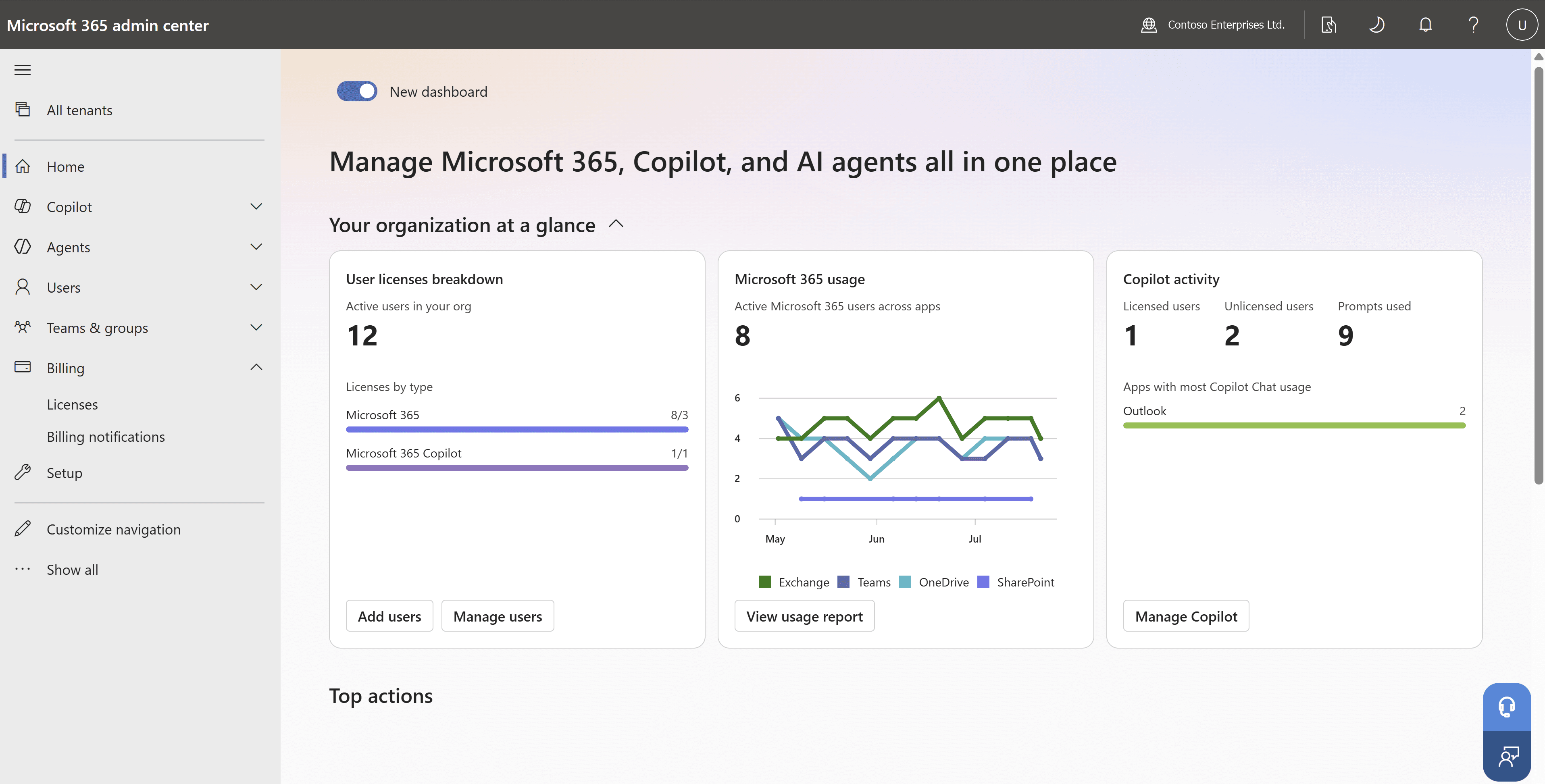
The Microsoft 365 admin center shows which licences are assigned and how actively each service is used. Before your next renewal, compare assigned licences against actual sign-in and app usage, identify former staff and seasonal accounts still holding licences, and move light users to a lighter plan. This is usually the fastest way to free budget for security features.
Decision 2: Choose the right plan families
Microsoft groups its Microsoft 365 offerings into families, and most municipalities end up with two or three of them in the same tenant. The comparison below is a planning aid, not a statement of current entitlements. Features move between plans and add-ons over time, and some plan families carry user caps or eligibility rules, so confirm current licensing with Microsoft or your partner.
One point deserves particular care. Some licence families labelled for government are designed for specific government clouds and eligibility programs, many of them aimed at US government customers. A Canadian municipality should not assume that a plan with "government" in its name is the right or even an available choice. Ask your partner which plans, and which public-sector programs, apply to a Canadian municipal tenant.
| Consideration | Business plans | Enterprise plans | Frontline plans |
|---|---|---|---|
| Full desktop Office apps | Yes | Yes | Partial |
| Suited to office and admin staff | Yes | Yes | No |
| Suited to field crews and shared devices | Partial | Partial | Yes |
| Advanced security and compliance options | Partial | Yes | Partial |
| User cap applies | Yes | No | No |
| Typical municipal fit | Smaller municipalities | Larger municipalities and regions | Public works, parks, facilities, seasonal |
For smaller municipalities, a business plan family can provide a strong bundle of productivity, device management and security in one licence, provided the organization stays within the plan's user limits. Larger municipalities and regional governments often move to an enterprise plan family for office staff because it removes those caps and opens up more advanced compliance options. Almost every municipality benefits from frontline licences for field and seasonal staff, because that is where the gap between need and cost is widest.
Our Canadian municipality Microsoft 365 licensing case study shows how this role-based approach works in practice, and the Microsoft 365 page explains how Econix supports licensing reviews, deployment and adoption.
Decision 3: Set a security baseline for every account
Licences decide what is possible. The security baseline decides what is actually switched on. Municipalities are regular targets for phishing, business email compromise and ransomware, and a small IT team cannot inspect every alert by hand. A clear baseline, applied to every account from day one, does most of the work.
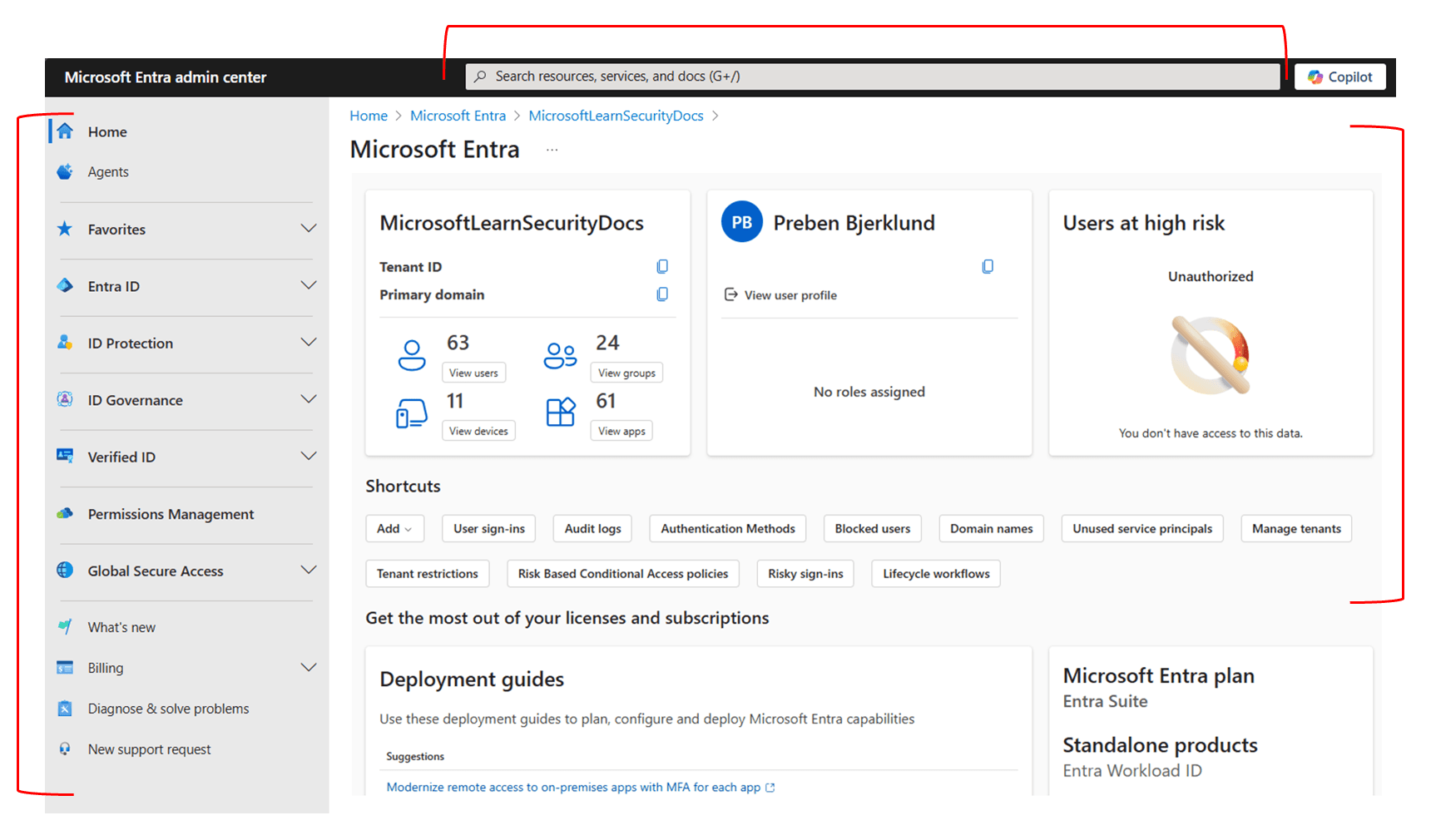
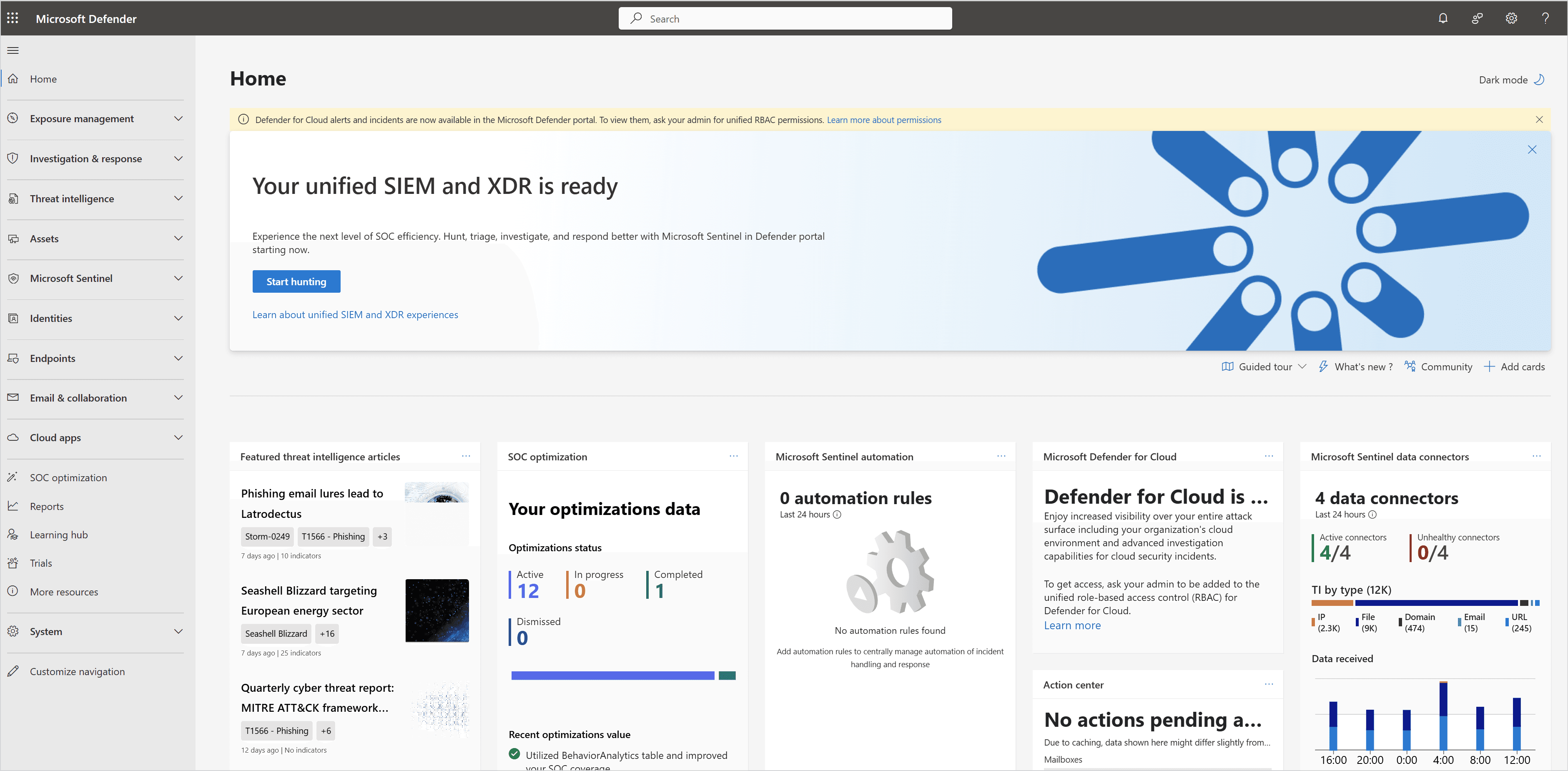
The baseline rests on identity. Every person, including council and seasonal staff, signs in with a Microsoft Entra ID account. Multifactor authentication is required for everyone, with no exceptions for senior staff or elected officials. Conditional access policies decide when sign-in is allowed, for example blocking legacy authentication, requiring a compliant device for sensitive apps, or prompting for stronger verification from unusual locations. Microsoft Defender then protects email, devices and identities, while a small number of separately protected emergency access accounts make sure the municipality cannot lock itself out.
Identity
One Microsoft Entra ID account per person, with council and seasonal staff included, and no shared mailbox sign-ins.
Access
Multifactor authentication for everyone and conditional access rules based on user, device and location.
Email and collaboration
Microsoft Defender protection against phishing, malicious links and attachments in email and Teams.
Devices
Municipal laptops and phones enrolled in device management, with app protection for personal devices.
Data
Sensitivity labels and data loss prevention so confidential and personal information stays where it belongs.
- Require multifactor authentication for every account, including council and senior staff
- Block legacy authentication protocols that cannot enforce MFA
- Create two emergency access accounts, excluded from routine policies and monitored closely
- Separate administrator accounts from day-to-day user accounts
- Apply conditional access policies by user group, device state and location
- Turn on Microsoft Defender protection for email, links and attachments
- Enroll municipal laptops and phones in device management
- Apply app protection policies for council members using personal devices
- Configure sensitivity labels for confidential, in-camera and personal information
- Restrict external sharing in SharePoint and OneDrive to approved scenarios
- Review Secure Score and Defender recommendations monthly
- Automate account disablement when staff, council or seasonal workers leave
The Microsoft security page explains how Econix designs and operates this baseline for organizations with small IT teams, including ongoing monitoring.
Decision 4: Plan records management and retention
For a municipality, records management is not optional. Council minutes, bylaws, permits, contracts, correspondence and financial records each have a retention period set by your records retention bylaw and provincial requirements. Freedom of information requests can reach email, Teams chats and documents. When records sit in personal mailboxes, chat threads and unmanaged file shares, both retention and FOI response become slow, inconsistent and risky.
Microsoft 365 includes retention and records tools in the Microsoft Purview family, though what is available depends on your licences. Retention policies can keep or delete content across mailboxes, SharePoint sites, OneDrive and Teams. Retention labels can classify individual records, and search and eDiscovery tools help the clerk's office find content quickly when an FOI request arrives. The technology only works, however, when it is built on the municipality's own classification scheme and records bylaw.
Map your retention schedule
Start with the records retention bylaw and classification scheme. Identify the record series that will live in Microsoft 365 and the retention period for each.
Decide where each record type lives
Agree that official records belong in SharePoint sites or Teams with defined owners, not in personal OneDrive folders or mailboxes. Document this in a simple information management policy.
Build retention policies and labels
Translate the schedule into retention policies for broad locations and retention labels for specific record series, starting with the highest-risk categories.
Set rules for Teams chats and channels
Decide how long chat and channel messages are kept, recognising that some conversations are transitory and others are official records.
Prepare for FOI and legal holds
Confirm that the clerk's office can search across locations, place content on hold, and export results in a defensible way.
Train staff and review annually
Short, role-specific training on where records go matters more than any setting. Review policies yearly with the clerk and legal advisors.
Do not switch on automatic deletion without the clerk
Retention policies that delete content are powerful and, once they run, deleted content may not be recoverable. Never enable deletion settings until the clerk or records manager has approved them against the retention bylaw, and test them on a small pilot first. Starting with retain-only policies is a safer first step.
Decision 5: Approach Canadian data residency with the right questions
Data residency is often the first question council asks: is our data stored in Canada? Microsoft operates Canadian datacentre regions and publishes data residency commitments for customers whose tenants are provisioned in Canada. Those commitments cover core Microsoft 365 services, but the scope differs between services and features, and Microsoft also offers add-on options that extend residency coverage. The details change over time, so confirm current data residency commitments with Microsoft before you make statements to council or residents.
Residency is also only part of the picture. Provincial privacy legislation, such as Ontario's MFIPPA, focuses on how personal information is protected, accessed and disclosed, and requirements differ by province. Where data is stored matters, but so do access controls, encryption, audit logging, contracts and your own policies on what data goes into which service. A privacy impact assessment is a sensible step before moving sensitive record types into Microsoft 365.
- Where is our tenant provisioned and which services store customer data in Canada?
- Which features or services fall outside the core residency commitments?
- Are add-on residency options relevant to our record types?
- How are support access and administrative operations handled?
- Which contractual terms and privacy documentation apply to our tenant?
- Which record types contain personal information about residents or staff?
- What does our provincial privacy legislation require for those records?
- Do we need a privacy impact assessment before migration?
- Which third-party apps connected to Microsoft 365 store data elsewhere?
- How will we explain our approach to council in plain language?
- IfYour tenant is provisioned in Canada and records are routine administrative contentThenConfirm the current residency commitments in writing, document them for council, and focus effort on the security baseline.
- IfYou plan to store sensitive personal information, such as social services or bylaw enforcement filesThenComplete a privacy impact assessment and review whether add-on residency options or tighter labelling are needed.
- IfYour tenant was created years ago or its location is unclearThenCheck the tenant's data location in the admin center and ask your partner to confirm before making any public statement.
- IfThird-party apps connect to Microsoft 365 and handle municipal dataThenReview each vendor's data location and contract terms separately, because Microsoft's commitments do not cover them.
Decision 6: Roll out in phases that respect the municipal calendar
Municipalities run on a calendar of budget season, council meetings, elections and summer programs. A rollout that ignores that calendar will collide with it. A phased approach lets you fix the foundation first, then bring each group across at a time that suits it, with council and frontline staff receiving their own tailored onboarding.
- 1AssessWeeks 1 to 3
- licence and usage audit
- security baseline gap review
- records and data residency questions documented
- 2Secure the foundationWeeks 3 to 8
- MFA and conditional access for all accounts
- Defender policies
- emergency access and admin accounts separated
- 3Office staff and recordsWeeks 6 to 14
- SharePoint and Teams structure by department
- retention policies piloted with the clerk
- staff training
- 4Council and frontlineWeeks 10 to 18
- council onboarding and device policies
- frontline licences and shared devices for crews
- seasonal joiner and leaver process
- 5OptimizeOngoing
- quarterly licence reviews
- monthly Secure Score review
- annual retention and privacy review
- Security baseline30%
- Records and retention25%
- Licensing review and rightsizing15%
- Training and adoption20%
- Ongoing governance10%
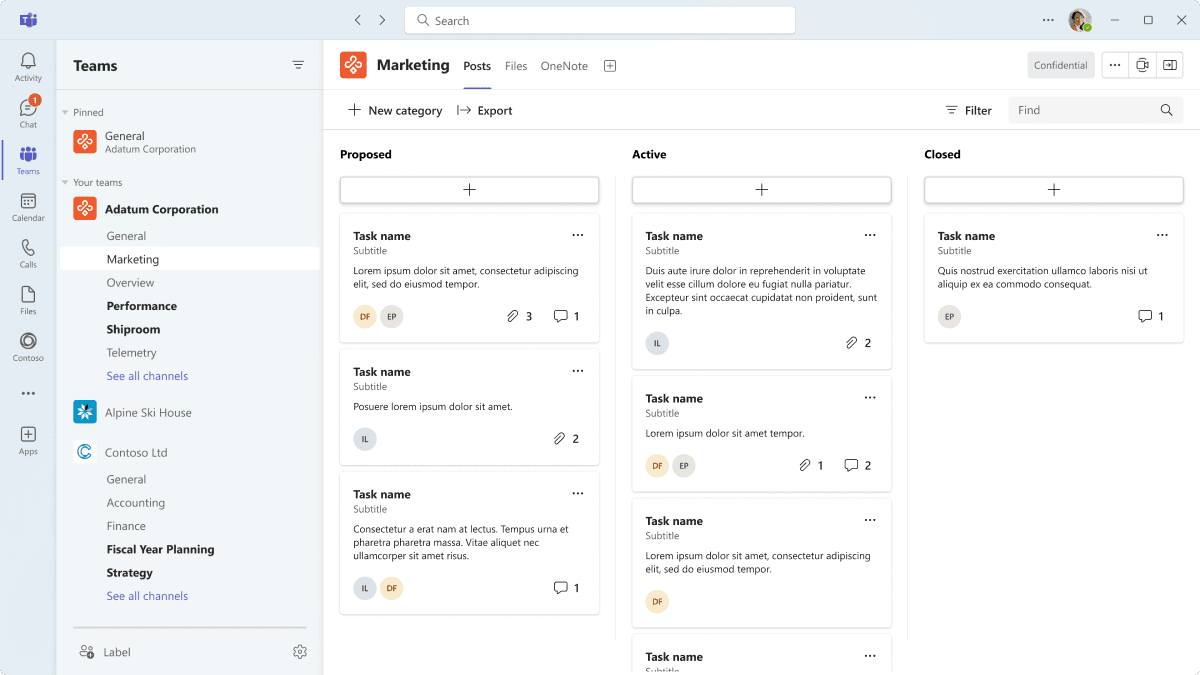
Teams is usually where adoption either succeeds or stalls. A clear structure, with one team per department or committee, tabs for the documents and tools each group uses, and naming rules that make sense to staff, does more for adoption than any amount of training material. For council, a dedicated team with restricted membership for committee materials can replace emailed attachments and improve control over confidential documents.
Common mistakes to avoid
Most of the problems we see in municipal tenants are not technical failures. They are decisions that were never made deliberately. Avoiding the following six patterns will put most municipalities ahead of where they would otherwise be.
One licence for everyone
Giving every person the same plan wastes budget on light users and often underserves office staff.
MFA exemptions for senior people
Exempting council or senior staff from MFA leaves the highest-value accounts the least protected.
Personal email for council
Municipal business on personal accounts creates FOI, privacy and records problems that are hard to unwind.
Seasonal accounts left active
Accounts that outlive the season are an easy way in for attackers and a quiet licence cost.
Records in personal OneDrive
Official records saved to personal storage are hard to find, retain or hand over when someone leaves.
Unverified residency claims
Telling council "everything is in Canada" without confirming service-by-service scope invites awkward questions later.
How Econix helps municipalities
Econix works with Canadian municipalities on the decisions in this guide, from a first licence and security review to full deployment and ongoing support. We start with a licence usage and security baseline assessment, map your staff into personas, and give the treasurer a clear, role-based licence plan to take into budget discussions. We then implement the security baseline across Microsoft Entra ID, conditional access and Microsoft Defender, and work with the clerk's office to translate your retention bylaw into practical retention policies.
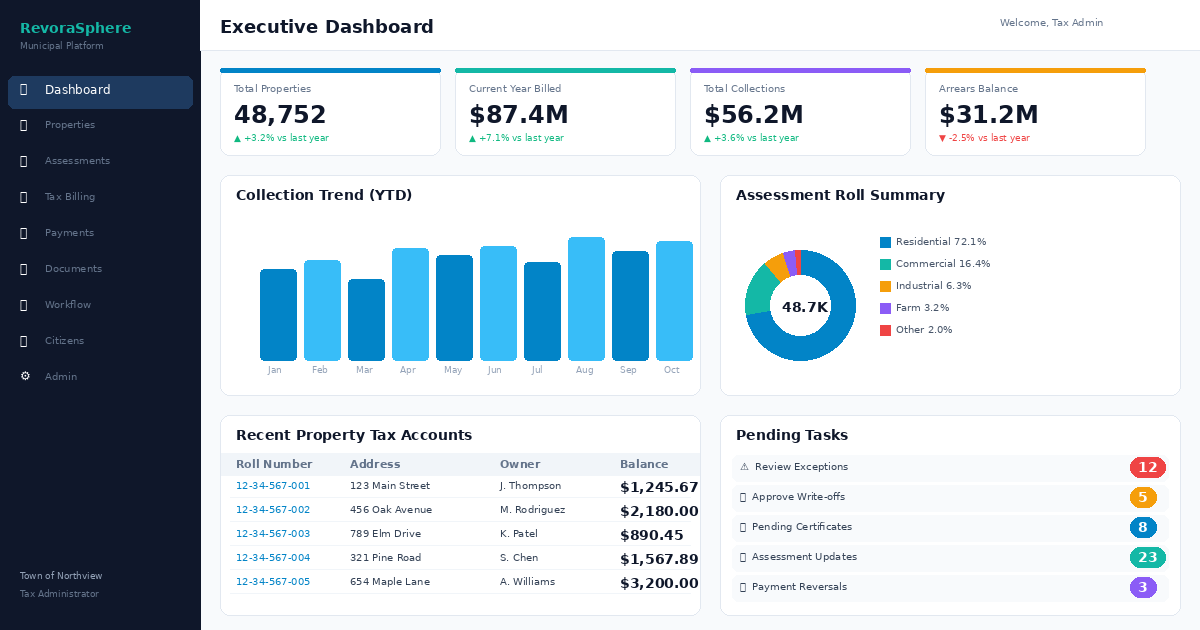
Because data residency and licensing terms change, we help you put the right questions to Microsoft and document the answers for council. Our Microsoft 365 and Microsoft security services cover deployment and operation, and our government practice brings this together for public-sector clients. Econix also builds RevoraSphere, our municipal operations platform, which you can explore at RevoraSphere.
Related Reading
- Microsoft government guide - how Microsoft's cloud supports public-sector organizations
- Canadian municipality Microsoft 365 licensing case study - a role-based licensing review in practice
- Microsoft security services - identity, threat protection and monitoring for small IT teams
- Microsoft 365 services - licensing, deployment and adoption support
- Government and public sector - how Econix works with Canadian municipalities
Econix Infotech
Get a clear Microsoft 365 plan for your municipality
Book a licence, security and records review with Econix and leave with a role-based plan you can take to council.