Go-live day feels like the finish line. The project team celebrates, the consultants roll off and the system is finally in the hands of the people who use it every day. Then the real work begins: the first month-end close, the first batch of user questions, the first Microsoft update and the first report that nobody thought to build.
For most organizations, the months after go-live decide whether a Business Central or Dynamics 365 investment delivers what the business case promised. Systems that are actively supported keep improving — users adopt more features, processes get automated and reporting gets sharper. Systems that are left on their own drift: workarounds multiply, extensions fall behind Microsoft's updates and confidence in the numbers slips.
The difference is rarely the software. It is the quality and scope of post-go-live support. This guide sets out what good support should include, how to compare support models and the questions that separate a real support partner from a help desk.
What you will get from this guide
- A clear definition of what support should cover beyond break-fix
- How Microsoft's update cadence affects your system and your support plan
- A side-by-side comparison of ad-hoc, block-hour and managed support models
- Twelve SLA and service questions to ask any current or prospective support partner
- A 12-month post-go-live roadmap from hypercare to continuous improvement
- A support scope checklist you can use to review your current arrangement
Why Support After Go-Live Is Different
During an implementation, the partner is focused on a fixed scope and a go-live date. After go-live, the goal changes completely. The system is now a live business platform that must close the books every month, process orders every day and keep pace with Microsoft's own changes. Support has to protect what was built and keep improving it at the same time.
Cloud ERP has also changed what support means. Business Central and the Dynamics 365 applications run as Microsoft-managed cloud services, so you no longer patch servers or schedule your own upgrades in the way you did with Dynamics GP, NAV or AX on-premises. Instead, Microsoft delivers updates on its own cadence, and your job — and your partner's — is to be ready for them. That shifts the focus of support from infrastructure to readiness, adoption and improvement.
The first 3 to 18 months after go-live are where this matters most. Users are still learning, some processes were deliberately deferred to "phase two", and the first year-end close is still ahead. Organizations that plan for this period get far more value from their ERP than those that treat support as an insurance policy they hope never to use. Our article on ERP optimization strategies for growing companies explores how that improvement compounds over time.
The Nine Areas Good Support Should Cover
Break-fix — fixing things that stop working — is only the starting point. A complete support arrangement for Business Central or Dynamics 365 Finance covers nine areas. Few organizations need every area at the same intensity, but every area should be explicitly in or out of scope, so nothing falls between the cracks.
Break-fix and incident response
Diagnose and resolve errors, posting issues and blocked processes against agreed response times.
User help and how-to questions
Answer "how do I" questions quickly so users do not invent workarounds.
Release and update readiness
Review Microsoft's release plans, test updates in a sandbox and check extension compatibility before updates reach production.
Extension and integration care
Keep custom extensions, ISV apps and integrations compatible, monitored and documented.
Security and access
Manage user permissions, role changes, joiners and leavers, and support periodic access reviews.
Period-end and year-end support
Be available for month-end, quarter-end and year-end close, including tax and reporting changes.
Reporting and analytics
Maintain financial reports and Power BI dashboards, and build new ones as needs change.
Enhancements and small projects
Deliver deferred phase-two items, new workflows and process automation.
Health reviews and roadmap
Run regular system health reviews and keep a prioritized improvement roadmap.
Break-fix is necessary but not sufficient
If your current support only covers incidents, you are paying for the least valuable part of the service. Incidents should decline after the first few months as the system stabilizes and users gain confidence. A support partner that is still mostly firefighting at month nine is a sign that root causes are not being fixed, training gaps are not being closed or the original configuration needs review.
Readiness and improvement create the value
The areas that create lasting value — release readiness, reporting, enhancements and health reviews — are proactive. They need a partner who knows your configuration, your extensions and your business priorities, and who has time allocated to work on them rather than only reacting to tickets.
Microsoft's Update Cadence and What It Means for You
Business Central receives two major release waves each year, typically in the spring and in the autumn, along with smaller monthly updates in between. Release waves bring new features and changes to existing functionality; monthly updates bring fixes and smaller improvements. The Dynamics 365 finance and operations applications follow their own regular service update schedule. Microsoft publishes release plans in advance, and environments can usually be scheduled for updates within a window set in the admin centre — confirm the current schedule and update policies with Microsoft's release documentation or your partner.
The practical consequence is simple: your system will change several times a year whether you plan for it or not. Most updates are smooth, but custom extensions, ISV apps and integrations can be affected by changes in the platform. Good support treats each release wave as a small, planned project.
- 1Review release plansRead Microsoft's release plan and flag features and changes relevant to your processes
- 2Check extensions and appsConfirm custom extensions and ISV apps are compatible with the upcoming version
- 3Update a sandboxApply the new version to a sandbox copy of production first
- 4Regression testRun key scenarios: order to cash, procure to pay, month-end and integrations
- 5Schedule productionSet the production update window outside month-end and peak periods
- 6Adopt new featuresEnable and train users on new features that add value
- 1Spring release waveEarly in the calendar year
- Release plan published
- sandbox preview testing
- extension compatibility checks
- 2Spring update appliedSpring
- Production updated in a planned window
- new features reviewed and enabled
- 3Monthly updatesEvery month
- Fixes and minor improvements applied
- quick smoke test of key processes
- 4Autumn release waveMid-year preparation
- Release plan reviewed
- sandbox testing
- integration checks
- 5Autumn update appliedAutumn
- Production updated outside year-end peaks
- users briefed on changes
Do not let updates reach production untested
Microsoft can postpone updates only within limits, and eventually environments are updated. If extensions, ISV apps or integrations have not been tested against the new version in a sandbox, problems can surface in production — often at the worst possible time. Make sandbox testing of every major release wave a named deliverable in your support agreement.
Our upgrades and support team handles this cycle for organizations moving to and running on Business Central, including customers who came from older on-premises Dynamics products.
Comparing Support Models
There are three common ways to buy post-go-live support. Each can work; the right choice depends on your size, the complexity of your system and how much proactive improvement you want. The comparison below shows how they typically differ.
| Consideration | Ad-hoc (time and materials) | Block hours | Managed support |
|---|---|---|---|
| How you pay | Per request, billed hourly | Pre-purchased bank of hours | Recurring fee for a defined scope |
| Response time commitments | No | Partial | Yes |
| Release-wave readiness included | No | Partial | Yes |
| Proactive health reviews | No | Partial | Yes |
| Named team that knows your system | Partial | Partial | Yes |
| Budget predictability | Low | Medium | High |
| Flexibility for occasional needs | Yes | Yes | Partial |
| Best suited to | Very stable, simple systems | Moderate, uneven demand | Business-critical ERP with extensions |
Ad-hoc support
Paying by the hour for each request feels economical, and for a very simple, stable system it can be. The downside is that nobody is accountable for the health of the system between requests. Release waves, extension compatibility and user adoption tend to be ignored until something breaks, and response times depend on whoever is available.
Block hours
A pre-purchased bank of hours adds some predictability and usually a priority queue. It works well when demand is moderate and uneven. The risk is that hours are consumed by incidents and how-to questions, leaving nothing for proactive work, and that expiring hours encourage low-value requests at the end of a term.
Managed support
A managed support agreement defines a scope — incidents, user help, release readiness, health reviews and a set amount of improvement work — for a recurring fee, with agreed service levels. It costs more to start than ad-hoc support, but it puts accountability for the system with a named team. For organizations whose ERP is business-critical, or that rely on custom extensions and integrations, it is usually the most reliable model.
- IfSimple system, few users, no custom extensions and rare requestsThenAd-hoc support is likely enough; keep a partner on standby
- IfModerate demand that varies month to monthThenBlock hours, with a set share reserved for release readiness
- IfBusiness-critical ERP with extensions, ISV apps or integrationsThenManaged support with defined service levels and health reviews
- IfSmall internal IT team and finance relies on the partner for closeThenManaged support including period-end and year-end coverage
- IfUnhappy with current support and unsure of system healthThenStart with an ERP health check, then choose a model
That split is a planning guide, not a rule. In the first quarter after go-live, incidents and user help will take a larger share. By the end of the first year, a well-supported system should be spending more of its support budget on enhancements, reporting and planning than on fixing problems.
Twelve SLA and Service Questions to Ask
Whether you are reviewing your current partner or choosing a new one, these questions get past the marketing. Ask for answers in writing, and ask for an example of how each one worked for a recent client.
| # | Question | What a good answer includes |
|---|---|---|
| 1 | What are your response and resolution targets by priority? | Defined priority levels with response targets and a clear definition of each level |
| 2 | Who will actually work on our tickets? | A named team or pod that learns your configuration, not a rotating queue |
| 3 | How do you handle each Microsoft release wave? | Release-plan review, sandbox testing, extension checks and a scheduled production window |
| 4 | How do you support our custom extensions and ISV apps? | Source code access, documentation, compatibility testing and coordination with ISVs |
| 5 | What coverage do you provide at month-end and year-end? | Priority availability during close periods and help with year-end tasks |
| 6 | How do you manage user access and security changes? | A joiner-mover-leaver process, permission set reviews and audit support |
| 7 | What reporting do we get on support activity? | Regular reports on tickets, trends, hours used and recurring root causes |
| 8 | How do you fix root causes, not just symptoms? | Problem management, configuration fixes and targeted training for repeat issues |
| 9 | How are enhancements scoped and approved? | Written estimates, a prioritized backlog and approval before work starts |
| 10 | How often do you review system health with us? | Scheduled health reviews with findings and a roadmap, at least quarterly |
| 11 | Who owns our documentation and code? | Your organization owns it, it is kept current and it is handed over on request |
| 12 | What happens if we want to change partners? | A documented exit process covering access, code, documentation and knowledge transfer |
Questions 11 and 12 are often overlooked. A support partner who is confident in their service has no reason to make leaving difficult. If documentation is thin or code ownership is unclear, fix that now, regardless of whether you plan to change partners. If your system is in worse shape than expected, our ERP rescue team can help stabilize it first.
The 12-Month Post-Go-Live Roadmap
A support plan should be more than a ticket queue. The roadmap below shows how a well-run first year typically moves from stabilization to improvement. Each stage has clear outcomes that you can measure against.
- 1HypercareMonths 1–2
- Daily triage of issues
- first and second month-end closes supported
- quick fixes and user coaching
- 2StabilizeMonths 2–4
- Root causes of recurring issues fixed
- permissions reviewed
- key reports confirmed
- first release wave tested
- 3AdoptMonths 4–6
- Refresher training by role
- underused features enabled
- first Power BI dashboards delivered
- 4ImproveMonths 6–9
- Phase-two items delivered
- approvals and automation added
- integration monitoring in place
- 5Prepare for year-endMonths 9–11
- Year-end checklist
- tax and reporting updates
- second release wave tested and applied
- 6Plan year twoMonths 11–12
- System health review
- benefits measured against the business case
- year-two roadmap agreed
Hypercare and stabilization
The first two months should be intensive. Expect daily or near-daily contact, priority support for the first two closes and quick action on the issues users raise. By month four, recurring issues should be traced to root causes and fixed, and the number of new incidents should be falling steadily.
Adoption and improvement
Months four to nine are where the business case is earned. This is the time to train users on features they skipped during the project, deliver the dashboards finance has been asking for, automate approvals and complete the items deferred from the implementation. Our article on ERP automation strategies for finance teams has practical ideas for this stage, and Power BI usually delivers some of the most visible early wins.
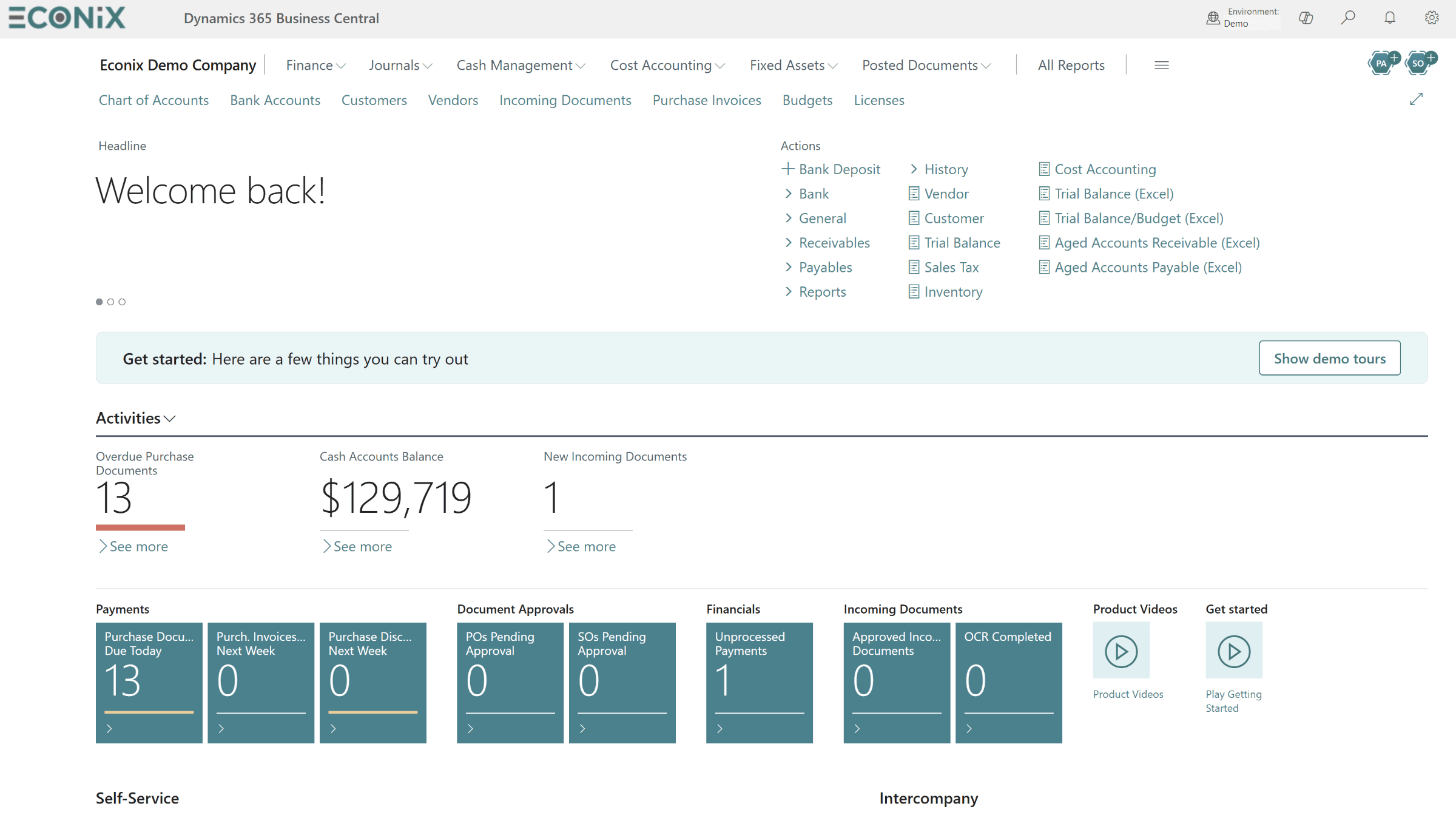
Year-end and year two
The first year-end close on a new system deserves its own plan. Confirm year-end steps, tax and reporting updates, and close procedures well in advance. Then step back: run a structured health review, compare outcomes with the original business case and agree a roadmap for year two, which may include new modules, Copilot features or further integrations.
Fewer incidents
New incidents fall steadily after hypercare, and repeat issues are rare.
Faster close
Month-end close runs on a predictable calendar with fewer manual adjustments.
Smooth updates
Release waves are tested in a sandbox and land in production without surprises.
Growing adoption
Users rely on more features, workflows and dashboards than at go-live.
Security and Access After Go-Live
Security is one of the most neglected areas of post-go-live support. During the project, permissions are often set broadly so that testing can proceed. After go-live, roles change, people join and leave, and access quietly accumulates. A good support arrangement includes a joiner-mover-leaver process, periodic permission reviews and alignment with your Microsoft identity and security settings.
Business Central and Dynamics 365 users sign in with Microsoft Entra ID, so user identity, multifactor authentication and conditional access are managed alongside the rest of your Microsoft cloud. Your ERP support partner and your Microsoft 365 or security team need to work together here, so that disabling a leaver in Entra ID and removing their ERP permissions happen as one process.
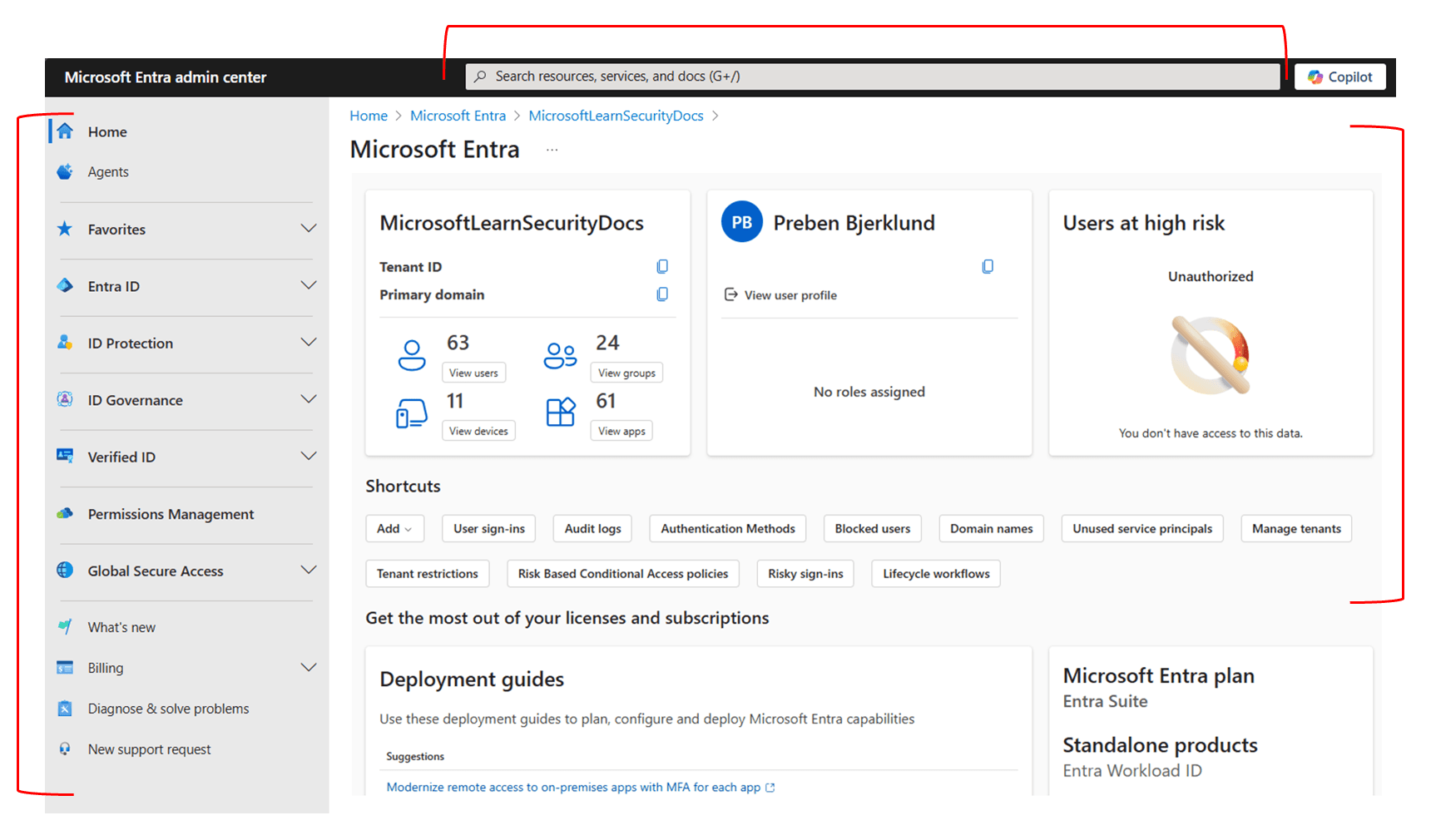
Our Microsoft security services help align identity, device and access policies with your ERP so that security reviews are straightforward rather than stressful.
Support Scope Checklist
Use this checklist to review your current support agreement, or to brief partners if you are choosing a new one. Each item should be clearly in scope, out of scope or covered by another provider.
- Response and resolution targets defined by priority level
- A named team that knows your configuration and extensions
- Sandbox testing and extension checks for each Microsoft release wave
- Coordination with ISV vendors for third-party apps
- Monitoring and support for integrations
- Priority coverage during month-end, quarter-end and year-end
- Joiner-mover-leaver process and periodic permission reviews
- Maintenance of financial reports and Power BI dashboards
- A prioritized enhancement backlog with written estimates
- Regular reporting on tickets, trends and root causes
- Quarterly system health reviews with a written roadmap
- Up-to-date documentation and clear ownership of code
- A documented exit and knowledge-transfer process
Review support at the six-month mark
Six months after go-live, the picture is clear enough to judge your support honestly. Compare incident trends, release-wave handling and progress on deferred items with what was promised. If the answers are disappointing, an independent ERP health check gives you facts to act on before your first year-end close.
How Econix Helps
Econix Infotech provides post-go-live support for Business Central and Dynamics 365 customers across Canada and the USA, whether we implemented your system or another partner did. Our Support 365 service is a managed support model built around the nine areas in this guide: incident response with defined service levels, user help, release-wave readiness, extension and integration care, security and access, period-end coverage, reporting, enhancements and regular health reviews.
We have supported customers continuously since go-live — for example, our work with a Canadian manufacturer described in the BlackEarth Business Central case study combined implementation with ongoing managed support. If you are unsure where your system stands today, an ERP health check is a practical first step, and our upgrades and support team can help if you are still moving from an older Dynamics product.
- Managed support with a named team, defined service levels and monthly reporting
- Release-wave readiness with sandbox testing and extension compatibility checks
- Continuous improvement through a prioritized enhancement backlog and Power BI reporting
- Partner transitions handled with a structured handover of access, code and documentation
Related Reading
- Support 365 — Econix managed support for Business Central and Dynamics 365
- ERP Optimization Strategies for Growing Companies — how to keep improving your ERP after go-live
- Rescuing a Stalled Dynamics 365 or Business Central Project — a 30-60-90 day recovery playbook
- ERP Automation Strategies for Finance Teams — practical automation ideas for the improvement stage
- BlackEarth: Business Central with ongoing support — implementation and managed support in practice
Econix Infotech
Get support that keeps your ERP improving
Talk to us about release-wave readiness, service levels and a 12-month roadmap for your Business Central or Dynamics 365 system.
Referenced In
- Dynamics SL to Business Central: The Migration Playbook for Project-Based Businesses
- Rescuing a Stalled Dynamics 365 or Business Central Project: A 30-60-90 Day Recovery Playbook
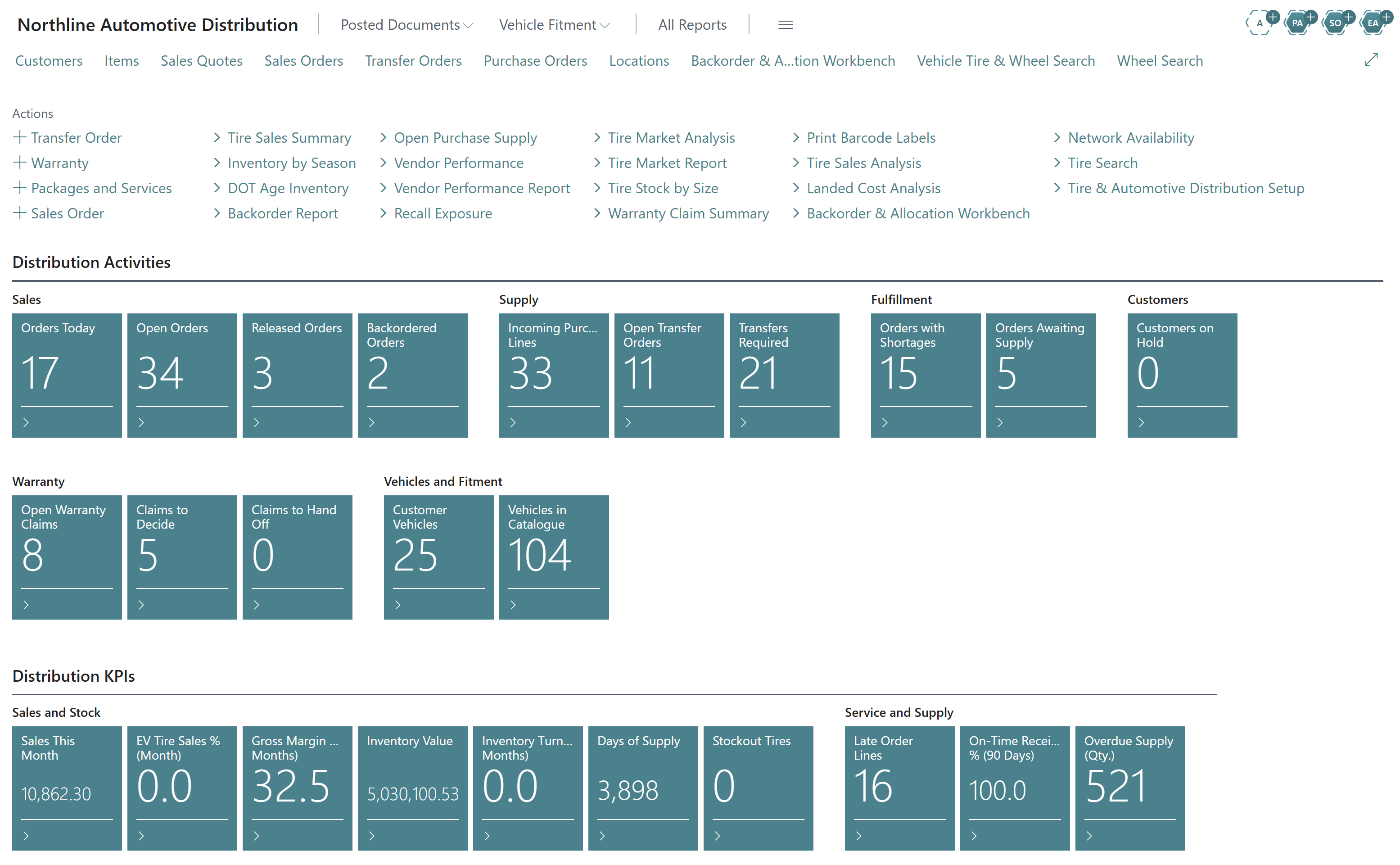
- Multi-Location Tire Inventory and DOT Tracking: How Distributors Sell More From the Stock They Already Have
- Dynamics 365 Finance for Multi-Entity Organizations: Consolidation, Intercompany and Tax Done Right
- Copilot in Business Central: 12 Practical Use Cases for Finance, Sales and Operations